PC gaming is becoming increasingly demanding over time, with modern titles launching with more stringent and beefier system requirements than usual. If you’re up to date on the state of the PC hardware market, you’ll know that higher system requirements aren’t great news for consumers at all.
Well, that’s where upscalers come into play, and fortunately, Nvidia‘s DLSS has evolved over many years to provide excellent image quality and performance results. It has progressively improved after each iteration, utilizing new technologies to achieve significant enhancements over predecessors.
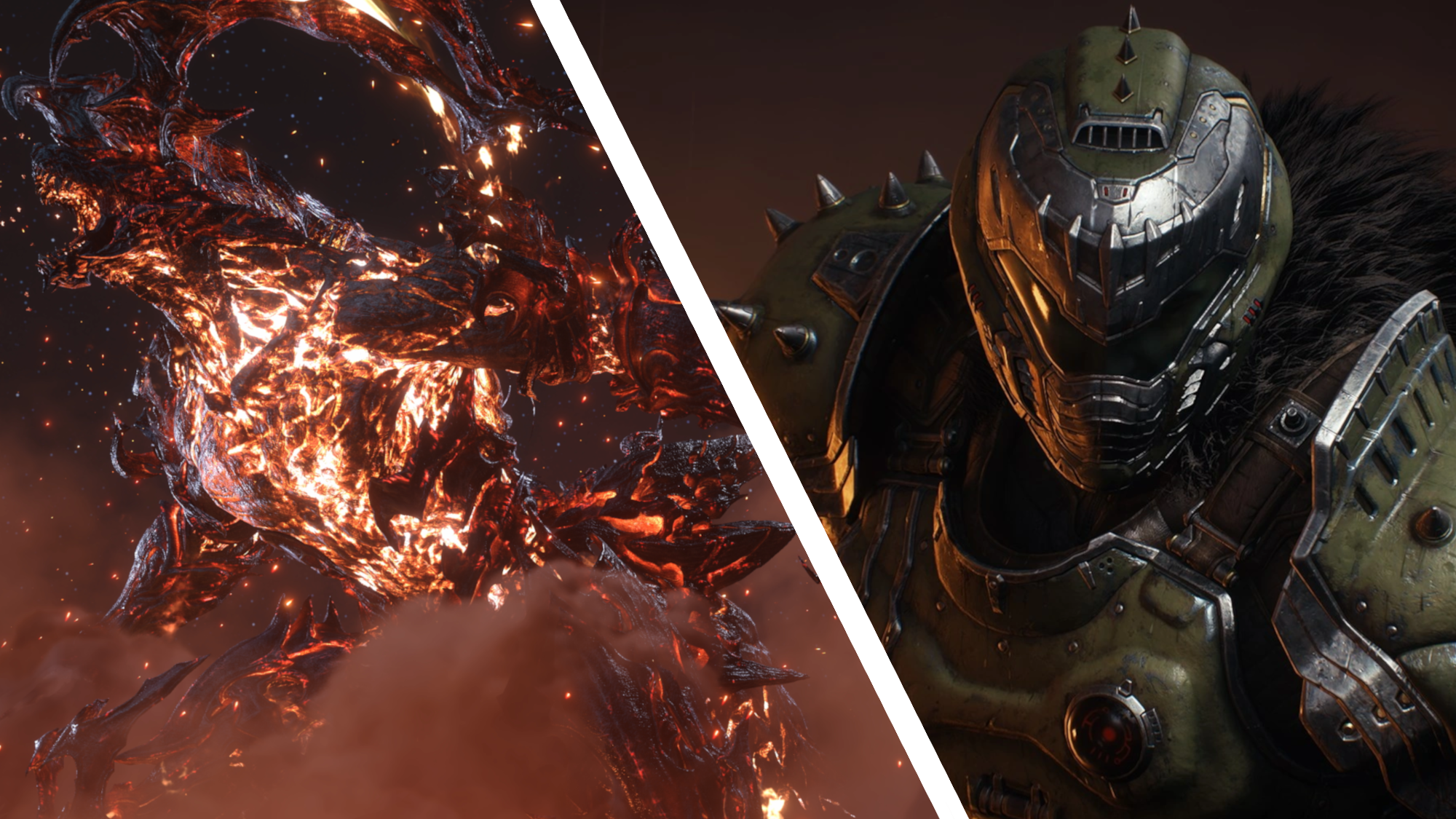
Now, with DLSS 4.5, gamers don’t have to worry about sacrificing either, and Doom: The Dark Ages is a prime example (as you can see above), with very few differences between DLSS 4.5 Quality and Performance modes. This is ideal, as it means visual clarity won’t be bogged down by blurriness or ghosting, as it normally would on previous DLSS versions.
I found similar results testing both Final Fantasy 16 and Arc Raiders and all of their DLSS 4.5 upscaling modes, where Performance and Quality are shockingly close. It’s all thanks to Nvidia’s 2nd-gen transformer model for super resolution, building upon what DLSS 4 delivers – which I must add, is already fantastic.
Performance mode isn’t one-to-one with 4.5’s Quality mode, and that should be quite clear since both are upscaling from different internal resolutions, but the differences between the two are minor in several gameplay scenarios.
It’s arguably most evident in the Final Fantasy 16 comparison above. If you examine it closely, you may notice that Clive’s sword still features some jaggedness around the flames in Performance mode, but not in Quality mode. However, this wasn’t perceivable to me while active in gameplay – and frankly, I doubt many will be looking at every pixel with a loupe during gameplay.
DLSS 4 to DLSS 4.5 upgrade is very impressive

We’ve looked at how DLSS 4.5’s image quality, specifically with Quality and Performance, but another strong point here is the leap from DLSS 4 to DLSS 4.5 in image stability.
I didn’t think there was a way for DLSS to get much better, going from the first transformer model, which was introduced as a major jump from DLSS 3.1’s CNN model, but here we are.
At 1080p using DLSS 4 Balanced, visuals are great, and I’ve never really had any complaints about this version when using it in many other scenarios with beefier hardware, other than some noticeable ghosting.
At 1080p using DLSS 4.5 Balanced, I instantly noticed a much more refined and sharper image, and better yet, I could use Frame Generation with a less noticeable trail on objects in motion – but just bear in mind, RTX 5060 laptop GPUs are only using 8GB of VRAM, and I found several scenarios where enabling Frame Generation makes performance less stable, due to increase in VRAM usage.
As for performance, since the Legion LOQ gaming laptop is powered by Nvidia’s RTX 5060, the frame rate loss (going from DLSS 4 to DLSS 4.5) isn’t very noticeable. However, users who don’t have an RTX 50 or RTX 40 series GPU will likely suffer a major performance loss, supposedly around 20% to 25% using DLSS 4.5, due to the lack of native FP8 support (part of Nvidia Tensor Cores) on RTX 30 and older GPUs.
Fortunately, the performance loss in most of my benchmarks of this RTX 5060 laptop was only around 5% to 7%, which is insignificant when you realize the benefits you gain in image quality.
While DLSS Ultra Performance on DLSS 4.5 is an improvement coming from the previous version, it’s still held back by very noticeable blurriness and ghosting, but this should be expected as it’s quite literally the most aggressive upscaling option.
It’s all getting to a stage now where DLSS is so good, it’s hard to recommend ever gaming at native resolutions again. While many games are well optimized enough to maintain high frame rates, DLSS 4.5’s image stability, almost across the board, is fantastic, which is a huge benefit for low-end hardware that may not be able to handle a native resolution or higher graphics settings.
I just hope game developers don’t rely on these advancements as a band-aid for poor optimization.
Follow TechRadar on Google News and add us as a preferred source to get our expert news, reviews, and opinion in your feeds. Make sure to click the Follow button!
And of course you can also follow TechRadar on TikTok for news, reviews, unboxings in video form, and get regular updates from us on WhatsApp too.